Laptop cooling: what actually helps

A laptop that runs hot slows down. Modern processors protect themselves by reducing clock speed as they approach their thermal limit, and the effect is gradual enough that most people experience it as the machine feeling sluggish rather than as an obvious fault.
Understanding where the air goes is most of the answer to what helps.
Where the air comes in
On the majority of laptops, intake vents are on the underside and exhaust is at the rear or the side hinge. That means the surface the laptop is sitting on is part of the cooling system, and a soft surface that blocks the intake is the single most damaging thing you can do to thermal performance.
A bed, a sofa cushion or a lap will all partially seal those vents. This is not a marginal effect: it can be the difference between a machine running at full speed and one running at half.
Lifting beats blowing
Most of what a cooling pad achieves comes from raising the laptop off the surface, not from its fans. Once there is a clear air gap underneath, the machine’s own fans can draw freely, and they are designed to move exactly the volume the machine needs.
This is why a plain ventilated stand often performs within a degree or two of a powered pad, at a fraction of the cost and with no USB port occupied. If you buy one thing for heat, buy elevation.
When a powered pad earns its place
Sustained heavy load in a warm room is where added airflow starts to matter: long renders, compiles, gaming sessions. Under those conditions a good pad can hold a few degrees, and a few degrees is sometimes the margin between throttling and not.
Match the fan position to the intake position. A pad with a large central fan does nothing for a laptop whose vents are along the back edge, and this mismatch is why people conclude pads do not work.
Dust is the slow failure
Every laptop accumulates dust in the fan and across the heatsink fins, and after two or three years the airflow can be reduced substantially. The symptom is fans running loud and constantly while the machine is not doing much.
Compressed air through the vents helps a little. Actually clearing it requires opening the case, which is what a decent repair kit with spudgers and small drivers is for. On many machines it is a fifteen-minute job and it is the single most effective thing you can do for an older laptop.
Lap desks are a thermal product
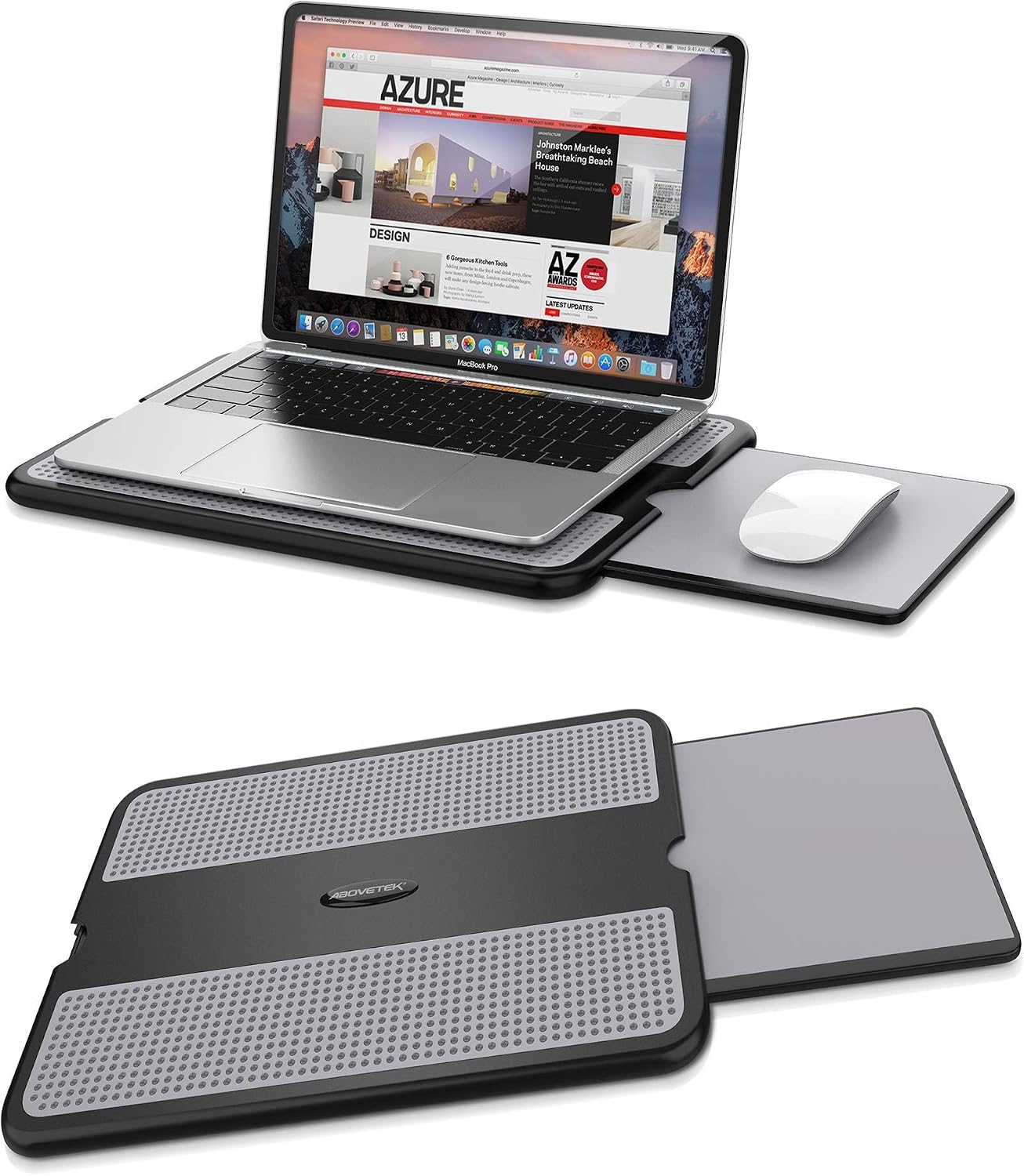
A lap desk with a heat shield is usually sold on comfort, and its more important function is putting a rigid, ventilated surface between the intake vents and your legs. It restores the airflow that working on a sofa removes.
The mouse tray is a genuine convenience, but the flat base is the part doing the work.
What not to bother with
Repasting a laptop is occasionally worthwhile on an older machine but it is not a first step, and it voids warranties on many models. Undervolting can help and is increasingly locked down by manufacturers.
Start with the free things: get it off soft surfaces, clear the vents, check what is running in the background. Most complaints about a hot laptop are solved before any purchase is required, and we would rather say so.
From our shelves
Lap desks and cooling stands currently on the shelf. Everything below is in stock as this piece is published, and the prices shown are read live from the catalogue rather than typed into the article, so they cannot drift out of date. Across the whole group prices currently run from $25.49 to $25.99, and the listing pages carry the full specification for each one.
- AboveTEK Portable Lap Desk with Retractable Mouse Pad & Heat Shield, Gray — $25.99
Enhance your comfort and productivity with the AboveTEK portable lap desk. Featuring a retractable mouse pad and effective heat shield, this lightweight and stable workstation is perfect for use on your bed, sofa, or when traveling, accommodating laptops up to 15.6 inches. - EHO Laptop Lap Pad for Bed & Sofa – Portable Stand with Mouse Pad Tray — $25.49
Transform any space into a comfortable, productive workstation with the EHO Laptop Lap Pad. This lightweight, ergonomic stand provides a stable surface for your laptop or tablet, featuring a retractable mouse pad and heat shield for ultimate convenience and reduced strain.
These are 2 of the items in Lap Desks and Cooling; the category page lists the rest with current stock and pricing.
Ordering, delivery and returns
We charge $5.99 for delivery, waived entirely on orders of $49 or more. Orders are packed in one to three business days and travel for five to ten, so plan on six to thirteen business days between placing an order and opening the box. Everything ships from Brooklyn, NY, to United States addresses.
If something is not right, the return window is 30 days from delivery for unused goods in their original packaging. The Shipping Policy and the Refund and Returns Policy carry the detail, and the FAQ answers the questions that come up most often.
Read next
- Screen height is why your neck hurts by four o’clock
- Privacy filters: what they do and what they do not
- Choosing a laptop sleeve that actually fits
Browse everything in stock or ask us a question — we answer written enquiries within one business day.