Cleaning a laptop, and the small repairs worth doing yourself

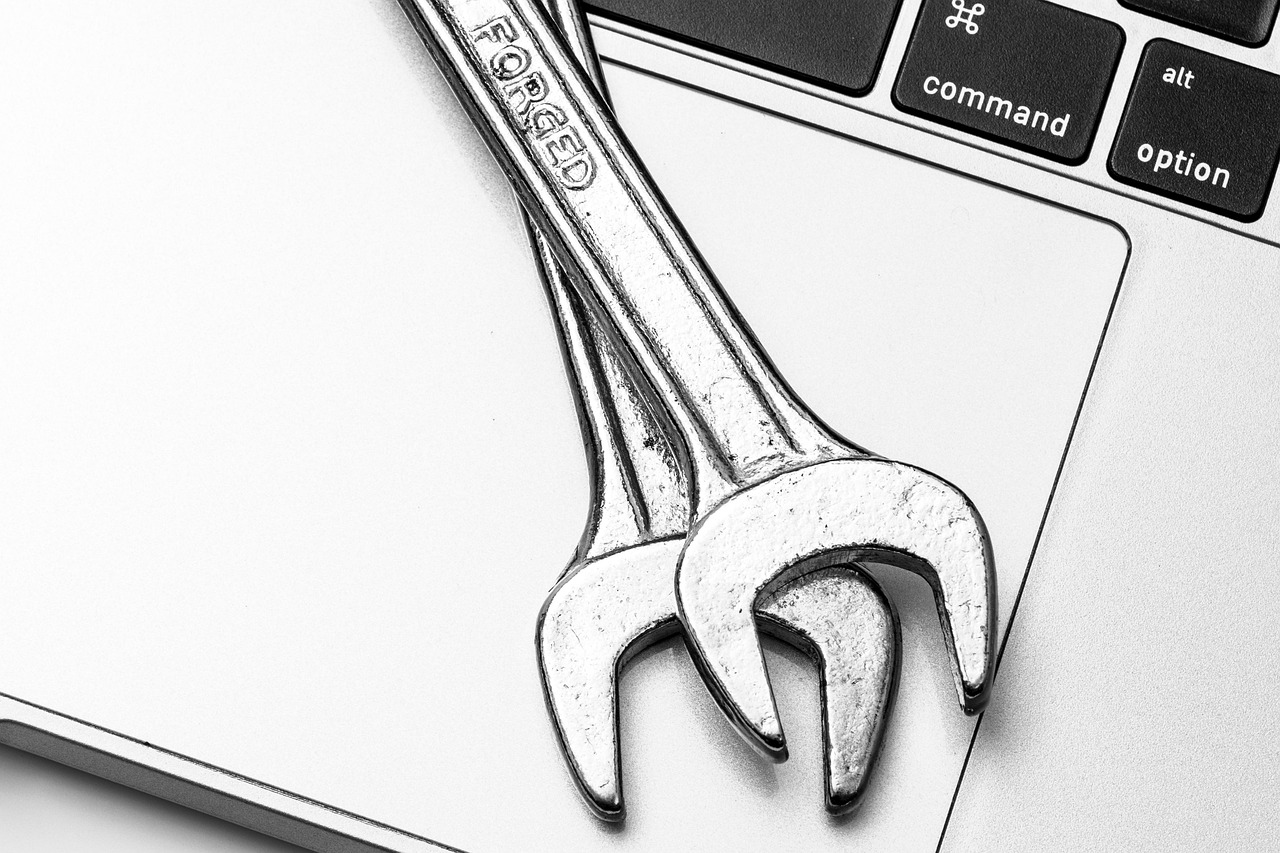
Most laptops are never cleaned properly, and the two things that matter most are the two people are most nervous about: the screen and the keyboard. Both are straightforward with the right approach and both are easy to damage with the wrong one.
After that, a short and honest list of what a basic repair kit will and will not let you do.
The screen: dry first, damp second
Start with a dry microfibre cloth and light pressure. Most marks are dust and grease that come away without any liquid at all, and the less liquid involved the better.
For what remains, dampen the cloth slightly with water or a screen-safe solution and never spray the display directly, because liquid runs down into the bezel and from there into the panel. Ammonia and alcohol-based glass cleaners strip anti-reflective coatings; that damage is permanent and looks like patchy cloudiness.
The keyboard, without removing keys
Turn the laptop upside down and tap the base firmly. It is inelegant and it removes most of what is in there. Compressed air at an angle, working across the keyboard rather than straight down, gets the rest.
Prising keycaps off is a last resort on a laptop. Low-profile mechanisms use small plastic clips that break easily, and a broken clip usually means a keyboard replacement rather than a key replacement. Butterfly and scissor mechanisms in particular are not designed for repeated removal.
What a spudger kit is actually for
A twenty-piece kit with plastic spudgers, opening picks and small drivers covers a specific and genuinely useful set of jobs: opening a case without marking it, disconnecting ribbon cables, removing a battery, swapping storage or memory where it is not soldered, and clearing the heatsink of dust.
The plastic tools are the important part. Metal against a laptop case leaves marks, and metal near a board risks shorting something. The drivers matter too, because laptop screws are frequently Torx or pentalobe rather than Phillips.
What it is not for
Anything soldered. Modern machines increasingly have memory and storage soldered to the board, and no hand tool changes that. Screen replacements are possible but fiddly and the panel usually costs more than the job is worth on an older laptop.
Liquid damage is the clearest case for not attempting it yourself. The right first action is to power the machine off, unplug it, and stop, because the damage from corrosion happens over the following days and is minimised by getting it opened and dried quickly by somebody with the equipment for it.
Skins, and what they protect
A vinyl skin protects the lid finish from scratches and scuffs, which matters mainly for resale value and for machines with a painted or anodised surface that marks easily.
They are also a practical way of telling identical machines apart in an office. Applied carefully they leave no residue on removal; applied over dust they lift at the corners within weeks.
A maintenance interval that people actually keep
Screen and keyboard once a month takes five minutes. Vents with compressed air every three months. A proper internal dust clear once a year or when the fans start running constantly.
That schedule is realistic and it is more than most machines ever get. If you only do one of them, do the vents, because heat is what shortens a laptop’s working life more than anything else on this list.
From our shelves
Repair kits, skins and mounts, as stocked. Everything below is in stock as this piece is published, and the prices shown are read live from the catalogue rather than typed into the article, so they cannot drift out of date. Across the whole group prices currently run from $9.94 to $15.99, and the listing pages carry the full specification for each one.
- CloudValley Magnetic Laptop Phone Holder for iPhone & Pixel, Silver — $15.99
Boost your productivity with the CloudValley Magnetic Laptop Phone Holder. This sleek, foldable silver mount securely attaches your smartphone to your laptop or monitor, creating a convenient dual-screen setup for improved workflow and easy access to calls and messages. - Kaisi Professional 20-Piece Electronics Repair Kit with Metal and Nylon Spudgers — $9.99
Tackle delicate electronics repairs with the Kaisi 20-piece tool kit. Featuring professional-grade spudgers and anti-static tweezers, this kit is perfect for safely disassembling smartphones, laptops, tablets, and more, ensuring a smooth repair process. - AORTDES Colorful Marble Laptop Skin Decal for 15-15.6 Inch Laptops, 1 Count — $9.94
Revitalize your laptop with the AORTDES Colorful Marble laptop skin. This durable, reusable vinyl decal protects against scratches and smudges while adding a vibrant, stylish touch.
These are 3 of the items in Mounts, Skins and Repair Kits; the category page lists the rest with current stock and pricing.
Ordering, delivery and returns
We charge $5.99 for delivery, waived entirely on orders of $49 or more. Orders are packed in one to three business days and travel for five to ten, so plan on six to thirteen business days between placing an order and opening the box. Everything ships from Brooklyn, NY, to United States addresses.
If something is not right, the return window is 30 days from delivery for unused goods in their original packaging. The Shipping Policy and the Refund and Returns Policy carry the detail, and the FAQ answers the questions that come up most often.
Read next
- Screen height is why your neck hurts by four o’clock
- Privacy filters: what they do and what they do not
- Choosing a laptop sleeve that actually fits
Browse everything in stock or ask us a question — we answer written enquiries within one business day.