Matte, glossy and anti-blue-light film

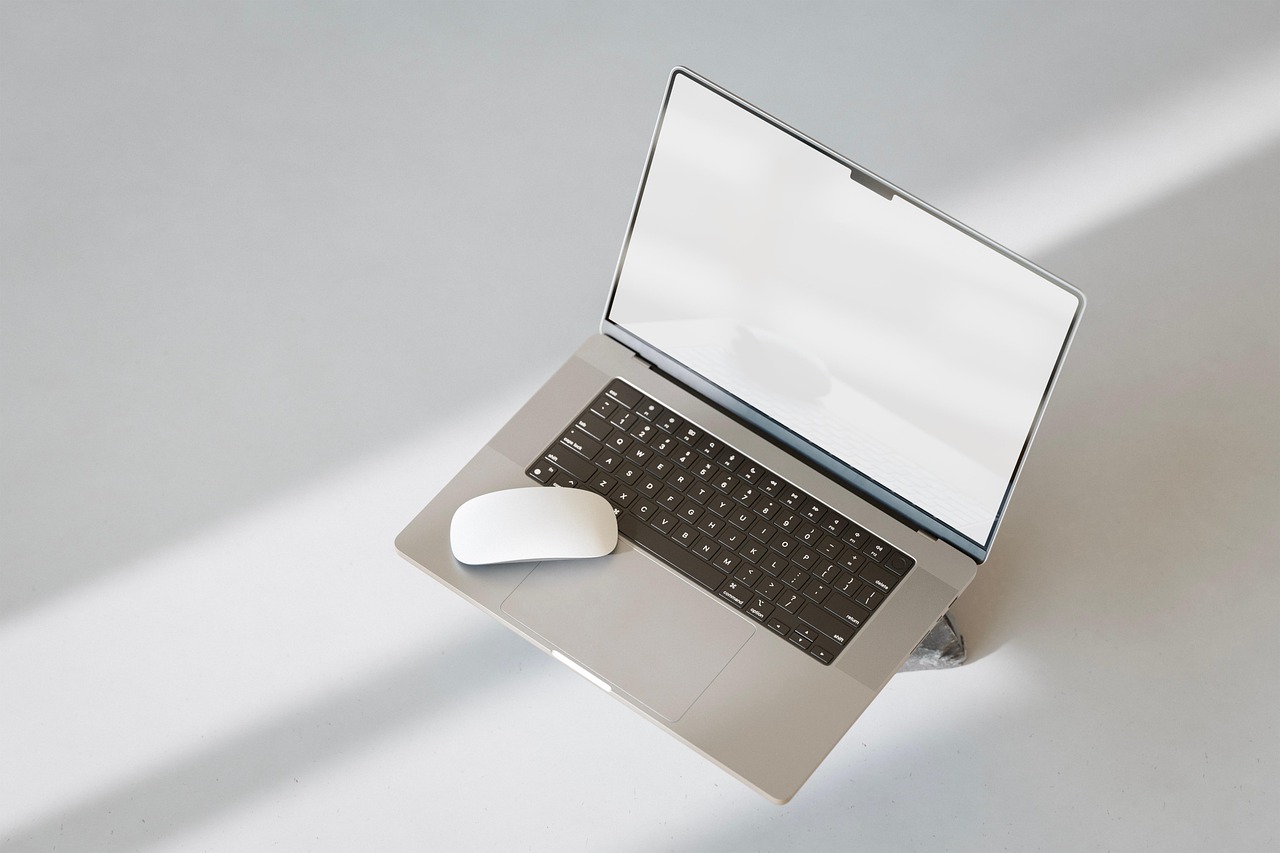
Screen film comes in three broad finishes and they solve different problems. Buying the wrong one is common because the packaging tends to list benefits rather than describe what the surface actually does.
Here is the short version of each, and then how to apply one without ending up with a bubble in the middle of the display.
Matte, for reflections
A matte film has a lightly textured surface that scatters incoming light instead of reflecting it as an image. Overhead strip lighting and windows stop appearing as sharp reflections and become a diffuse haze you stop noticing.
The cost is a small loss of sharpness and a slightly milky look on dark backgrounds, sometimes described as sparkle. On a high-resolution panel it is barely perceptible; on a lower-resolution one it is more obvious.
Glossy, for image quality
Glossy film is optically clear and preserves the panel’s contrast and colour essentially unchanged. It is the right choice if you are working with images, video or anything where the display quality is the point.
It reflects exactly as much as the bare screen does, so it does nothing for glare. Its function is protection from scratches and from the keyboard marking the display when the lid is closed, which is a genuine issue on thin machines.
Anti-blue-light, for evening use
These films block a portion of the short-wavelength output and carry a visible warm tint as a result. The strongest evidence for benefit relates to sleep when working late, rather than to daytime eye comfort.
The honest comparison is with the night-shift mode built into every current operating system, which does the same thing, adjusts automatically by time of day, and can be switched off when you need accurate colour. Film is a permanent version of a reversible setting.
Applying it without bubbles
Clean the screen with a microfibre cloth and let it dry completely. Any dust left behind becomes a permanent bubble, and the bubble is almost always dust rather than air.
Peel the liner back a few inches, align the top edge, and let the film fall onto the screen progressively as you pull the liner rather than laying it down all at once. Sweep from the centre outward with a card wrapped in cloth. Small air bubbles at the edge will usually migrate out over a day or two; a bubble around a speck will not.
Camera covers are the cheapest thing here
A sliding camera cover is a few millimetres thick, costs almost nothing, and removes an entire category of worry without relying on software. On a machine with no hardware camera indicator it is the only physical assurance available.
Check the thickness against your laptop before buying. On very thin machines a thick cover can prevent the lid closing flush, which over time stresses the hinge. The ultra-thin ones exist for exactly this reason.
When not to use film at all
Touchscreens lose some responsiveness under thick film, and matte film in particular changes the feel of the glass. If you use touch regularly, test with a cheap film before buying an expensive one.
And on a machine with an OLED panel, glossy film is generally the only sensible option, because matte diffusion works against the contrast that is the reason for having an OLED display in the first place.
From our shelves
The film currently in stock, by size. Everything below is in stock as this piece is published, and the prices shown are read live from the catalogue rather than typed into the article, so they cannot drift out of date. Across the whole group prices currently run from $5.99 to $17.99, and the listing pages carry the full specification for each one.
- F FORITO 2-Pack Anti Blue Light Matte Screen Protector for MacBook Pro 14-inch (2021-2026 M1-M5 Chip) — $17.99
Protect your eyes and MacBook Pro 14-inch with the F FORITO 2-Pack Anti Blue Light Matte Screen Protector. This essential accessory reduces glare, blocks harmful blue light, and resists scratches for a superior viewing experience. - KEANBOLL 3-Pack Anti-Glare Matte 15.6" Laptop Screen Protectors — $9.98
Protect your eyes and your laptop screen with this 3-pack of KEANBOLL anti-glare screen protectors. Designed for various 15.6-inch models, they reduce reflections, minimize fingerprints, and guard against scratches for a clearer, more comfortable viewing experience. - MUBUY-GOL 15.6" Laptop Screen Protector, Anti-Blue Light & Glare Filter, 16:9 Aspect — $8.98
Protect your eyes and improve sleep with the MUBUY-GOL 15.6" Laptop Screen Protector. This matte finish filter reduces harmful blue light and glare, making your screen more comfortable to view for extended periods. - Toojcc 6-Pack Ultra-Thin 0.022in Laptop Camera Cover Slide for Privacy — $5.99
Enhance your digital privacy with the Toojcc 6-pack of ultra-thin webcam covers. These minimalist slides easily block your laptop, tablet, and smartphone cameras, preventing unwanted intrusion without affecting device closure.
These are 4 of the items in Screen Protection and Privacy; the category page lists the rest with current stock and pricing.
Ordering, delivery and returns
We charge $5.99 for delivery, waived entirely on orders of $49 or more. Orders are packed in one to three business days and travel for five to ten, so plan on six to thirteen business days between placing an order and opening the box. Everything ships from Brooklyn, NY, to United States addresses.
If something is not right, the return window is 30 days from delivery for unused goods in their original packaging. The Shipping Policy and the Refund and Returns Policy carry the detail, and the FAQ answers the questions that come up most often.
Read next
- Screen height is why your neck hurts by four o’clock
- Privacy filters: what they do and what they do not
- Choosing a laptop sleeve that actually fits
Browse everything in stock or ask us a question — we answer written enquiries within one business day.